
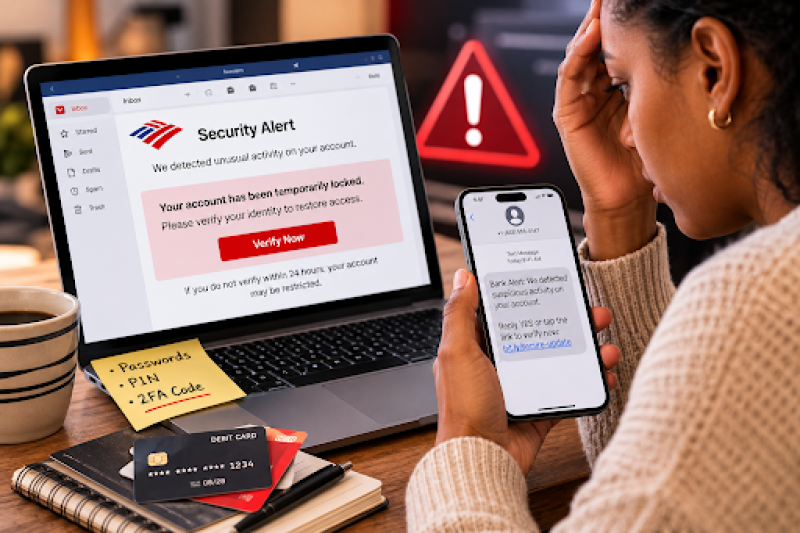
In a Nutshell
Bank of America is the most impersonated bank in the United States. That's not a coincidence: with over 69 million consumer and small business clients, it's the single largest target for fraudsters who know that a convincing BofA alert will land in millions of inboxes. According to the FTC's June 2026 data, Americans lost $3.5 billion to imposter scams in 2025 alone, with bank impersonators responsible for the single largest share of those losses, nearly $1 billion.
The real danger: these scams no longer look like obvious fakes. Modern BofA phishing emails copy the bank's exact logo, color palette, and email formatting. Some even install remote access software on your device before you realize anything is wrong.
This guide covers every major Bank of America scam type active in 2025 and 2026, with real examples, the red flags that give each one away, and a step-by-step plan for what to do if you've already been targeted.
Fraudsters rotate their tactics constantly, but the underlying playbook stays the same: impersonate the bank, create urgency, and harvest credentials or money before the victim has time to think. Here are the active scam types you need to know.
Phishing emails are the oldest trick and still among the most effective. Scammers send messages that look identical to official BofA communications, right down to the logo and footer. The emails typically arrive with subject lines designed to trigger panic:
The tell: the sender address is never from @bankofamerica.com or @ealerts.bankofamerica.com. Common fakes include addresses like security@bankofamerica-alerts.com, noreply@bofasecure.net, or alerts@boa-online.com. The "Verify" button inside the email links to a lookalike login page that captures your credentials the moment you type them.
This is the most sophisticated Bank of America scam identified to date. Cybersecurity firm Huntress flagged the campaign on August 5, 2026, after it landed in their honeypot inbox on July 28.
Here is exactly how it worked:
Why this matters: the attacker could now log into the victim's bank account, transfer funds, and even lock the victim out, all while the victim believed they had just "updated" their security settings.
Bank of America is one of the biggest targets for smishing, phishing delivered by SMS. These texts are engineered to look like legitimate bank alerts. A 2025 analysis found over 59 card suspension messages, 97 unique phone numbers, and 254 spoofed email addresses all tied to a single BofA smishing campaign.
Real examples of BofA smishing texts in circulation:
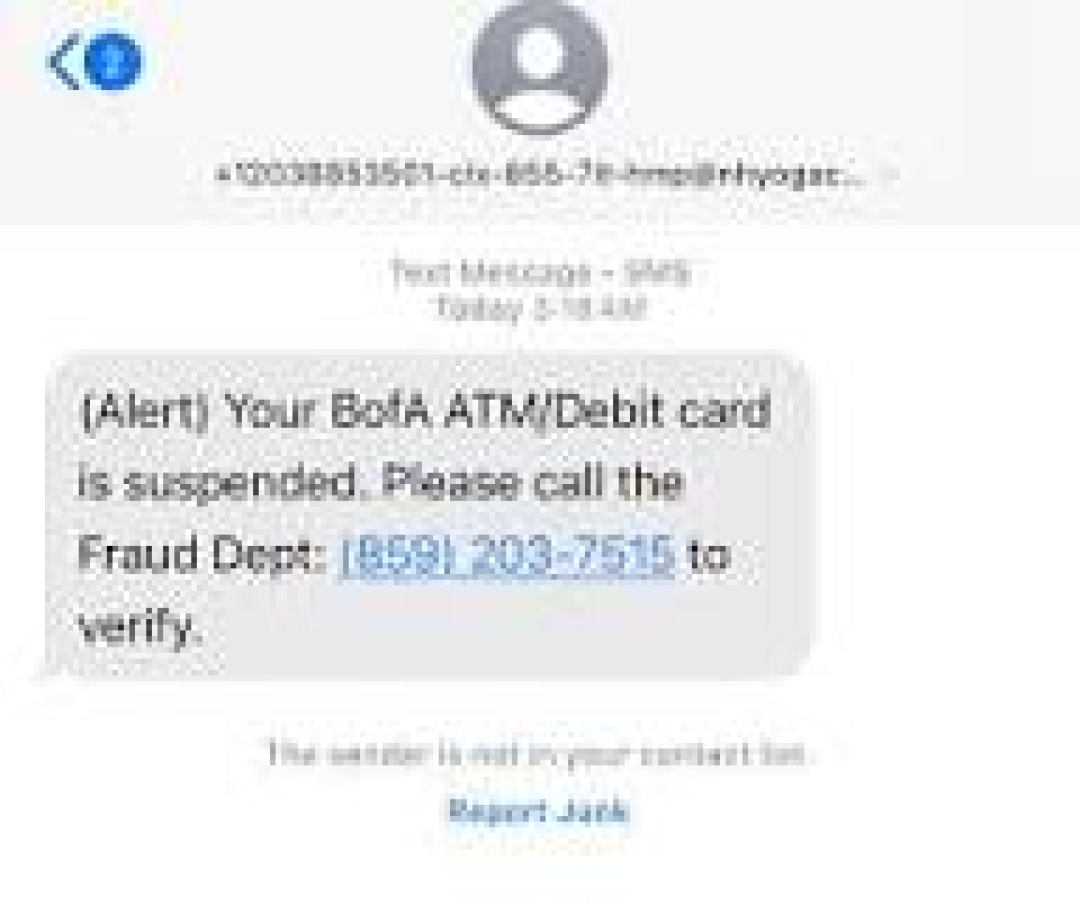
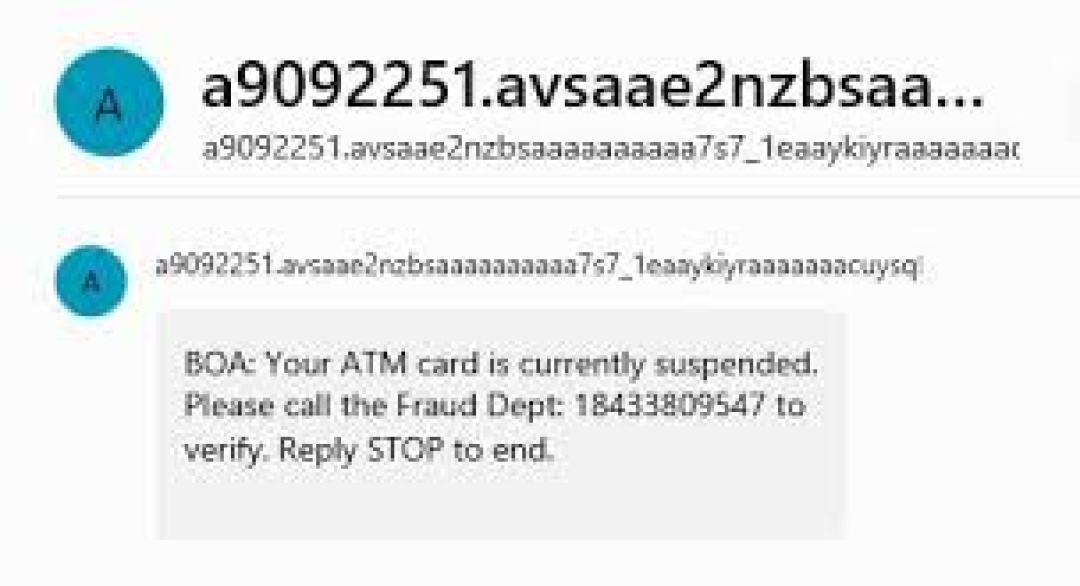
Examples of BoA Text scams
The texts either include a link to a cloned BofA login page or a phone number that connects you to a scammer posing as the bank's fraud department. Once you "log in" on the fake page, your credentials go straight to the attacker.
Vishing scams involve a caller who claims to be from Bank of America's fraud department. They often spoof the bank's real phone number so it shows up correctly on your caller ID. The script is consistent: there's "suspicious activity" on your account, and you need to act immediately to protect your funds.
The call typically ends with one of these requests:
Key fact: Bank of America itself states it will never ask you to send money, share a verification code, or purchase gift cards as part of any fraud investigation.
Scammers register lookalike domains to host convincing copies of the Bank of America login page. These domains follow predictable patterns:
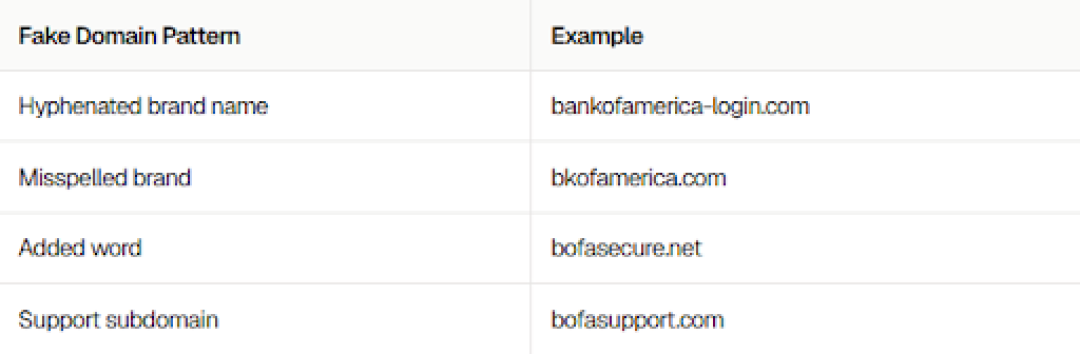
Once you enter your username and password on one of these pages, the scammer has everything needed to access your real account.
The goal of every BofA scam is the same: make you act before you think. Slowing down for 30 seconds and running through this checklist is the single most effective defense.
This is the fastest way to identify a phishing email. Click on the sender's display name to reveal the full email address. Legitimate Bank of America emails come exclusively from two domains:
Any other domain, including variations like @bankofamerica-alerts.com or @bofasecure.net, is fraudulent. Display names can be faked easily; the underlying domain cannot.
On desktop, hover your mouse over any button or link to see the destination URL in your browser's status bar. On mobile, long-press the link to preview it. The URL must point to bankofamerica.com, not any subdomain or variation of it.
If you receive a link you're unsure about, don't click it. Copy the domain and check it on ScamAdviser before opening it. ScamAdviser analyzes hundreds of signals including domain age, hosting location, blacklist status, and traffic patterns to generate a trust score. A newly registered domain with a BofA-style name is an immediate red flag.
Bank of America will never ask you to share your password, PIN, one-time verification code, or to transfer money to a "safe account" via email, text, or phone.
This is the single most important rule. If any message or caller requests any of the following, it is a scam regardless of how official it looks:
Legitimate banks do not threaten to close your account within 24 hours or demand you act before the end of a call. Urgency is a manipulation tactic designed to short-circuit your judgment. If a message or caller is pressuring you to act immediately, that pressure itself is the red flag.
Speed matters here. If you clicked a link, entered your credentials, or spoke to someone you now believe was a scammer, take these steps immediately, in order.
If you were targeted by the ScreenConnect malware campaign described above, the attacker may have had live access to your computer. Act immediately:
A shared SSN opens the door to identity theft beyond your bank account. Take two additional steps:
Reporting helps protect other Bank of America customers. Use these channels:
Reactive steps matter, but prevention is cheaper. These habits eliminate the most common entry points for BofA scammers.
Make it a rule: when you receive any message claiming to be from Bank of America, do not click the link. Instead, open a new browser tab, type bankofamerica.com, and navigate to your account from there. If the alert was real, it will be visible in your account dashboard.
The Bank of America mobile app is the safest way to check your account status. It connects directly to the bank's servers and cannot be spoofed the way a website can. If you receive an alert by text or email, verify it in the app before taking any action.
The August 2026 ScreenConnect campaign is a reminder that scammers are getting more sophisticated. What used to be a simple fake login page now involves multi-stage malware delivery, operating system-specific infection chains, and software designed to be difficult to remove. The best defense is a consistent habit of verification, not a one-time security check.
Quick reference: Bank of America's official contact details
Frequently Asked Questions
Is Bank of America being hacked right now?
Bank of America itself is not being hacked. What is happening is that scammers are impersonating the bank through phishing emails, fake websites, and fraudulent text messages. The bank's own systems are secure; the attacks target customers directly.
What do Bank of America scam emails look like?
They are designed to look identical to real BofA emails, using the same logo, colors, and formatting. The giveaway is always the sender's email address, which will not end in @bankofamerica.com or @ealerts.bankofamerica.com, and the link destination, which will point to a domain other than bankofamerica.com.
Will Bank of America refund money lost to a scam?
It depends on the circumstances. If you were deceived into authorizing a transfer, recovery is often difficult. If unauthorized transactions occurred without your involvement, the bank's fraud protection may cover the loss. Call 800-432-1000 immediately to report the fraud and begin an investigation.
How do I report a Bank of America scam?
Forward phishing emails to abuse@bankofamerica.com. Forward suspicious texts to 7726. Report any financial fraud to the FTC at ReportFraud.ftc.gov. You can also file a report with your local FBI field office via IC3.gov if the loss was significant.
How can I check if a Bank of America website is real?The only legitimate domain is bankofamerica.com. Any variation is suspect. For any link you're uncertain about, copy the domain and run it through ScamAdviser for a free trust score before clicking.
