
This article was updated by Jamie James on June 12. 2026, based on the latest reports submitted by real users to ScamAdviser, using the reporting function.
In a Nutshell
In 2025, the FBI’s Internet Crime Complaint Center (IC3) reported that phishing remains the most prevalent cyber threat, with complaints exceeding 193,000 annually in the U.S. alone. While complaint volumes have stabilized, the financial impact has skyrocketed, with total reported cybercrime losses hitting a record $16.6 billion in the last year.
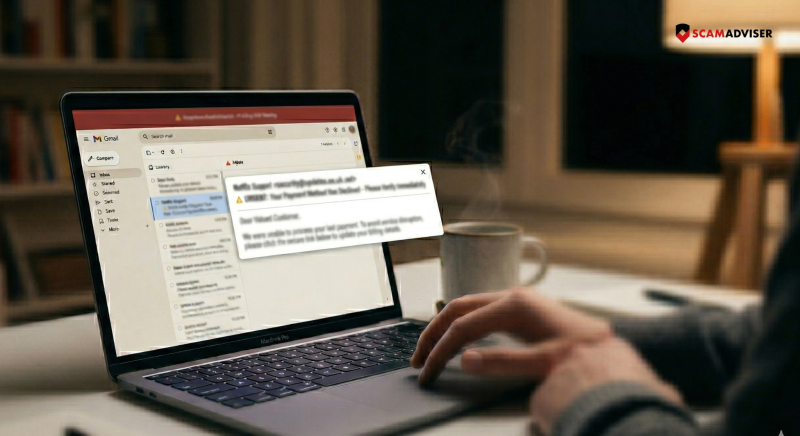
Phishing appeared in 8,359 of reports submitted by real users to the ScamAdviser database. Many reports involved fake login pages, suspicious redirects, Gmail or Google links, and identity-related tactics.
You are the primary target because, in an era of hardened servers, humans remain the "softest" entry point. Phishing has evolved beyond simple emails into a multi-channel assault:
Scammers hide behind "display names" while the actual address is a random string. They use "lookalike" domains—like @support-paypal.com instead of @paypal.com.
Now: Attackers now use "Subdomain Hijacking," where they send emails from legitimate but compromised subdomains of famous brands to bypass "Safe Sender" lists.
A button may say "Verify Account," but the underlying code directs you to a credential-harvesting site.
On a computer, hover your mouse over the link to see the destination in the bottom corner of your browser. On mobile, long-press the link to preview the URL. If it doesn't match the company’s official domain, it is a scam.
Phishing relies on "forced errors" created by artificial deadlines. Scammers use phrases like "unauthorized login detected" or "action required within 4 hours."
Now: Scammers now utilize MFA Fatigue attacks, where they bombard your phone with dozens of multi-factor authentication prompts, hoping you will click "Approve" just to stop the notifications. Never approve an MFA prompt you did not initiate.
Older advice suggested looking for "broken English." This is outdated. With the rise of Generative AI, scammers now produce typo-free, professional, and brand-consistent communications in any language. Instead of looking for spelling errors, look for contextual errors: Is this a service you actually use? Is the request for information unusual?
Attachments remain a primary delivery vehicle for malware. However, Quishing (QR Phishing) is the new frontier. Scammers embed QR codes in emails because many security filters cannot "read" the link inside an image. If an email asks you to "Scan this code to secure your account," it is almost certainly a trap.
Legitimate companies will never ask for your password, Social Security number, or full credit card details via email or text. If a message directs you to a login page, close the message and navigate to the website manually by typing the address into your browser.
If a link feels even slightly suspicious, do not click it—verify the site's reputation on ScamAdviser first.
Adam Collins is a cybersecurity researcher at ScamAdviser who operates under a pseudonym for privacy and security. With over four years on the digital frontlines and 1,500+ days spent deconstructing thousands of fraud schemes, he specialises in translating complex threats into actionable advice. His mission: exposing red flags so you can navigate the web with confidence.
