
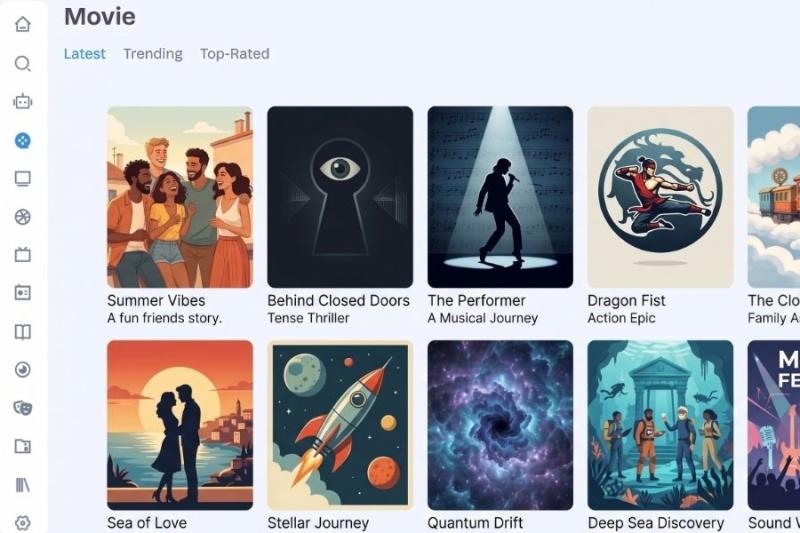
Rivestream.app makes free streaming easy by skipping the sign-up process, but that doesn't mean it's safe. Malware reports and a low TrustScore suggest you should think twice before clicking anything beyond the play button.
In a Nutshell
Rivestream.app brands itself as a personal streaming oasis, offering free movies and TV shows without the usual sign-up requirement. No account wall sounds like a relief after dealing with sites that demand your email before you've even picked a movie. But that convenience comes with a different kind of risk.
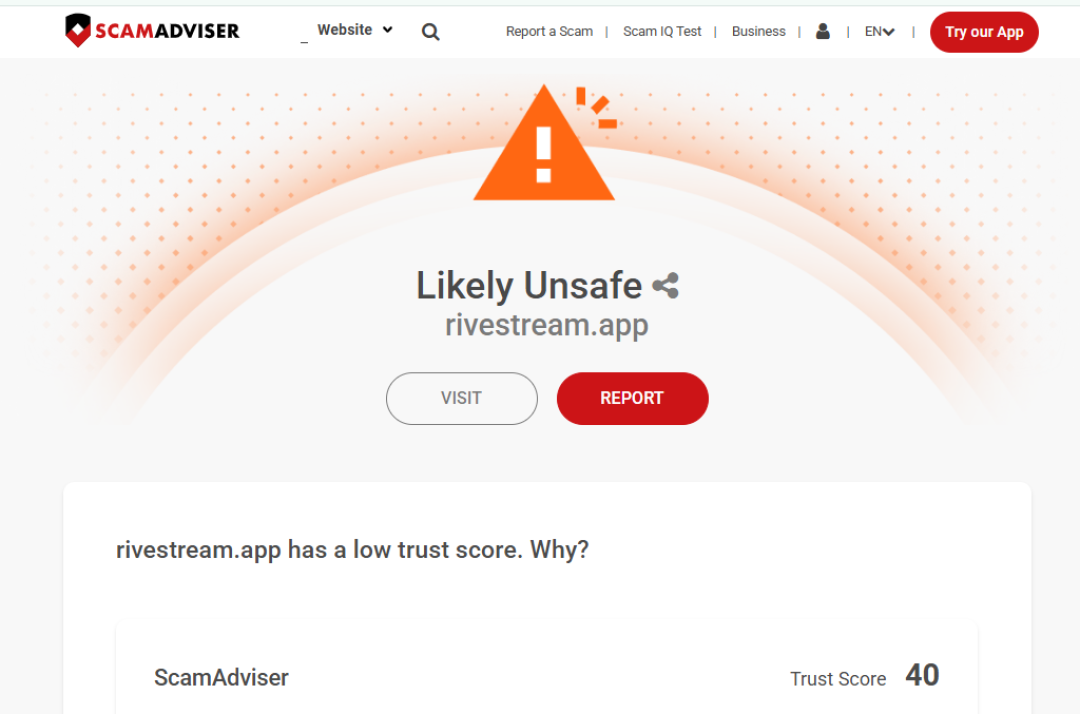
ScamAdviser's check on Rivestream.app gives the site a TrustScore of 40, and flags it for having been reported for hosting malware, including viruses. In fact DNSFilter reported this website as malicious.
That score sits in a middle zone. It's not as outright dangerous-looking as a phishing site with a TrustScore of 1, but it's far from the kind of clean result you'd want before clicking through ads or download buttons on the page.
Rivestream skips the account requirement entirely, which removes one common attack route used by other sites: credential harvesting through fake sign-up forms. But removing that risk doesn't mean removing risk altogether. It just shifts the threat elsewhere.
On a site with active malware reports, the danger usually shows up through the ad slots themselves, fake "download" or "update your player" buttons, or compromised embedded video players that try to push files onto your device without you asking for them. You don't need to type anything for that kind of attack to work. You just need to click in the wrong place.
Like other free streaming sites, Rivestream doesn't pay licensing or distribution costs for the content it makes available. Its revenue comes from advertising. A TrustScore of 40 paired with confirmed malware reports suggests that at least some of those ad placements are coming from networks with far looser standards than mainstream advertisers would accept.
This is the trade-off built into most ad-funded piracy sites. Without subscription revenue or licensing deals, the money has to come from somewhere, and the ad inventory that's willing to run on these pages is often the same inventory willing to serve malicious code.
Run an ad blocker and a script blocker before visiting. Avoid clicking anything that isn't the actual video player, especially buttons labeled "download," "update," or "install." Keep your browser and antivirus software up to date, since malware delivered through compromised ad networks often relies on outdated software to actually execute.
It's also worth checking the current safety status of any domain on ScamAdviser before each visit, since TrustScores can shift as new reports come in.
If you suspect a device has been compromised after visiting a site like this, the FBI's Internet Crime Complaint Center accepts reports related to malware and online fraud, and the FTC is another place to file a report if personal data or finances were affected.
No sign-up wall makes Rivestream.app feel safer on the surface, but a TrustScore of 40 and confirmed malware reports tell a different story. The risk hasn't disappeared, it's just moved from your inbox to your device. Treat any click on this site, outside of pressing play, with suspicion.
Looking for more interesting content? Look no further;
This article has been written by a scam fighter volunteer. If you believe the article above contains inaccuracies or needs to include relevant information, please contact ScamAdviser.com using this form.
Adam Collins is a cybersecurity researcher at ScamAdviser who operates under a pseudonym for privacy and security. With over four years on the digital frontlines, he specialises in translating complex threats into actionable advice. His mission: exposing red flags so you can navigate the web with confidence.
