
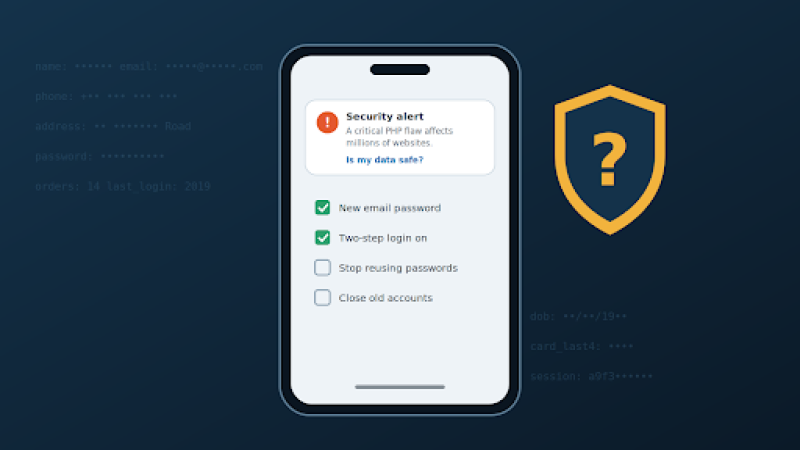
A critical cyber-security flaw in the PHP programming language has put millions of websites at risk. Here is what that means for your personal information, and what you can do about it.
For most of the big services you use every day, almost certainly yes. Banks, email providers and large online shops have security teams whose job is to act on warnings like this one fast, and many sit behind services such as Cloudflare, which put protections against this PHP flaw in place nine hours before it was made public.
The honest answer for everything else is: it depends on the website, and you can't tell from the outside. Your risk comes down to one question you can't check yourself: did the people running each site you've used fix their servers in time?
That sounds worrying, but there is a lot you can do to make sure that even if one site is broken into, the damage stops there. That's what the rest of this guide is about.
The PHP programming language quietly builds the pages of a huge share of the world's websites, including most sites made with WordPress. On 21 October, its makers announced a critical cyber-security flaw, nicknamed PHP2Shell, and released a fix. Cloudflare had already deployed protections nine hours earlier as part of the coordinated response.
The plan was to keep the details secret until the fix was ready. It didn't work: news leaked a day early, and criminals moved fast.
Matthew Prince, the boss of internet infrastructure firm Cloudflare, wrote on X that the company saw "thousands" of attempts to exploit the PHP vulnerabilities across its network in the 10 hours before it was publicly announced. "That jumped to tens of thousands in the 45 minutes post announce." (via BBC News live)
Amazon says it spotted an attempt even earlier, on 17 October, four days before the announcement. In other words, this is not a theoretical risk. Attackers are actively trying it.
This is not a bug that simply knocks a website over. Alan Woodward, professor at the Surrey Centre for Cyber Security, told BBC Radio 4's Today programme that the flaws mean an attacker can "get their own code onto the web server" and "basically do whatever they like".
He said that could include:
On scale, he described it as serious, saying it could affect "something like 30 million websites"
That backdoor point matters for you. A site that installs the fix today may still have been entered in the days before. Amazon's researchers advise investigating from 17 October onwards, not from the announcement date. So it may be weeks before some breaches come to light.
What an attacker could take depends on what each website kept about you. Typically that means:
The sites most at risk are not the household names. They are small shops, clubs, forums and blogs, often built years ago and rarely maintained, because many run old versions of PHP that never got an official fix.
Often you won't know straight away. Signs to watch for over the coming weeks:
You can't fix other people's websites, but you can limit what a break-in at any one of them can do to you.
The PHP flaw is serious, and attackers moved on it within hours. But you are not powerless. Most of your important accounts are run by companies that move fast, and the steps above mean that even if a smaller site you once used is broken into, your email, your bank and your money stay out of reach.
Worry less about whether every website you've ever used is safe. Focus on making sure no single one of them holds the key to the rest.
Adam Collins is a cybersecurity researcher at ScamAdviser who operates under a pseudonym for privacy and security. With over four years on the digital frontlines, he specialises in translating complex threats into actionable advice. His mission: exposing red flags so you can navigate the web with confidence.
